


01 · Build
Write it the way you'd say it.
Add questions, see the live preview as you type, and pick a theme that looks good straight away.
More on build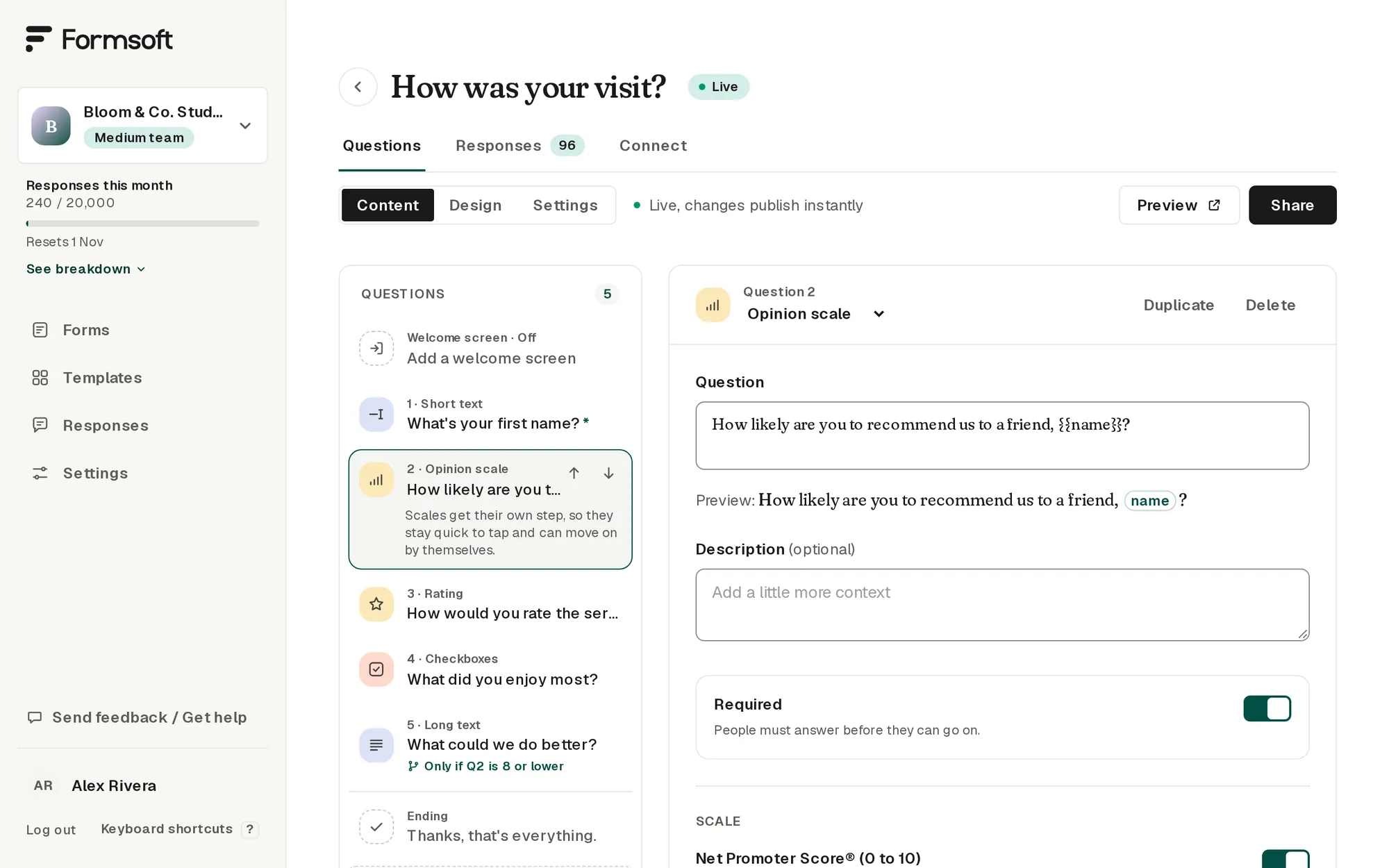
for small businesses, studios & freelancers
Ask your questions, share one link, and every response lands in your dashboard. It’s calm for your customers, tidy for you, and free for up to 30 responses a month.
2 →
What kind of project are you planning?
Pick the one that fits best.
Made forcafés,studios,clinics,clubsand more
Three things, done well: build a form you're proud of, share it with one link, and keep every answer in one tidy place.
01 · Build
Add questions, see the live preview as you type, and pick a theme that looks good straight away.
More on build02 · Share
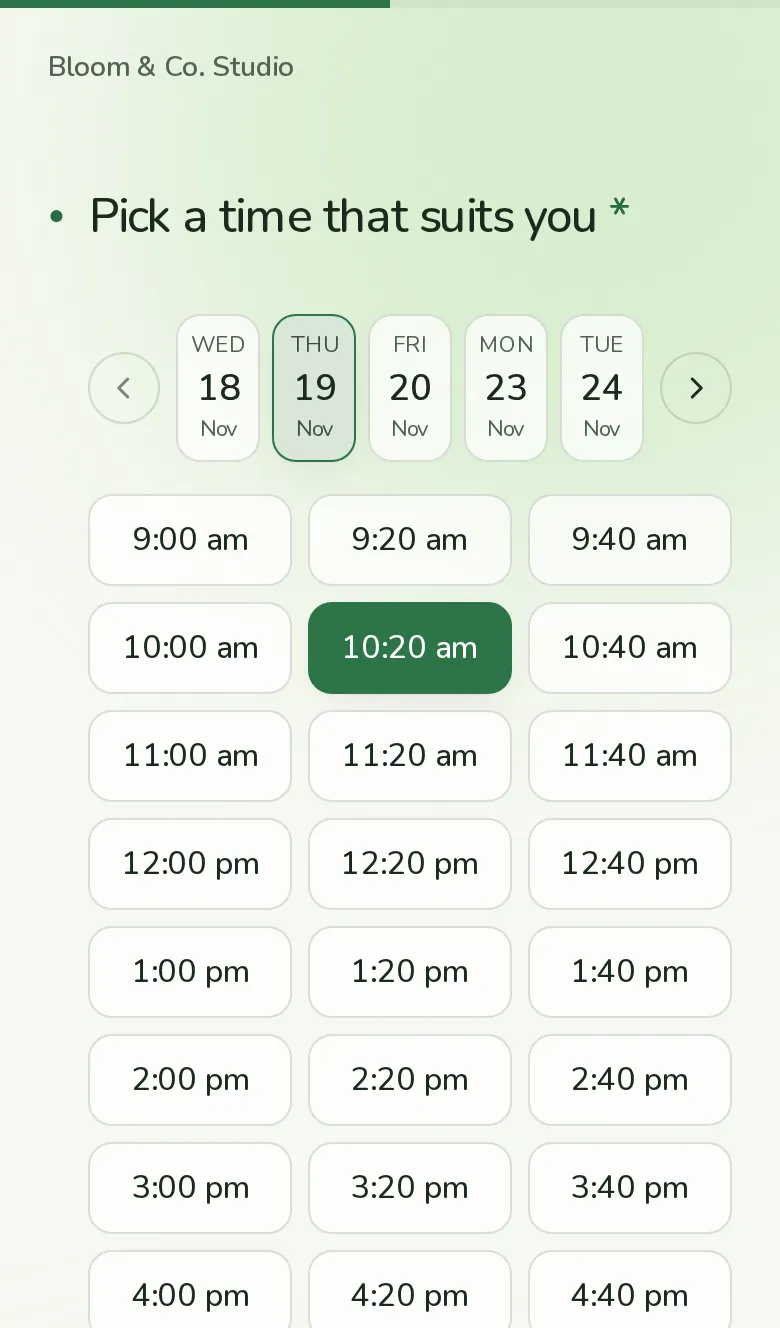
Pop it in your bio, a text, an email or a QR code on the counter. It opens beautifully on any phone.
More on share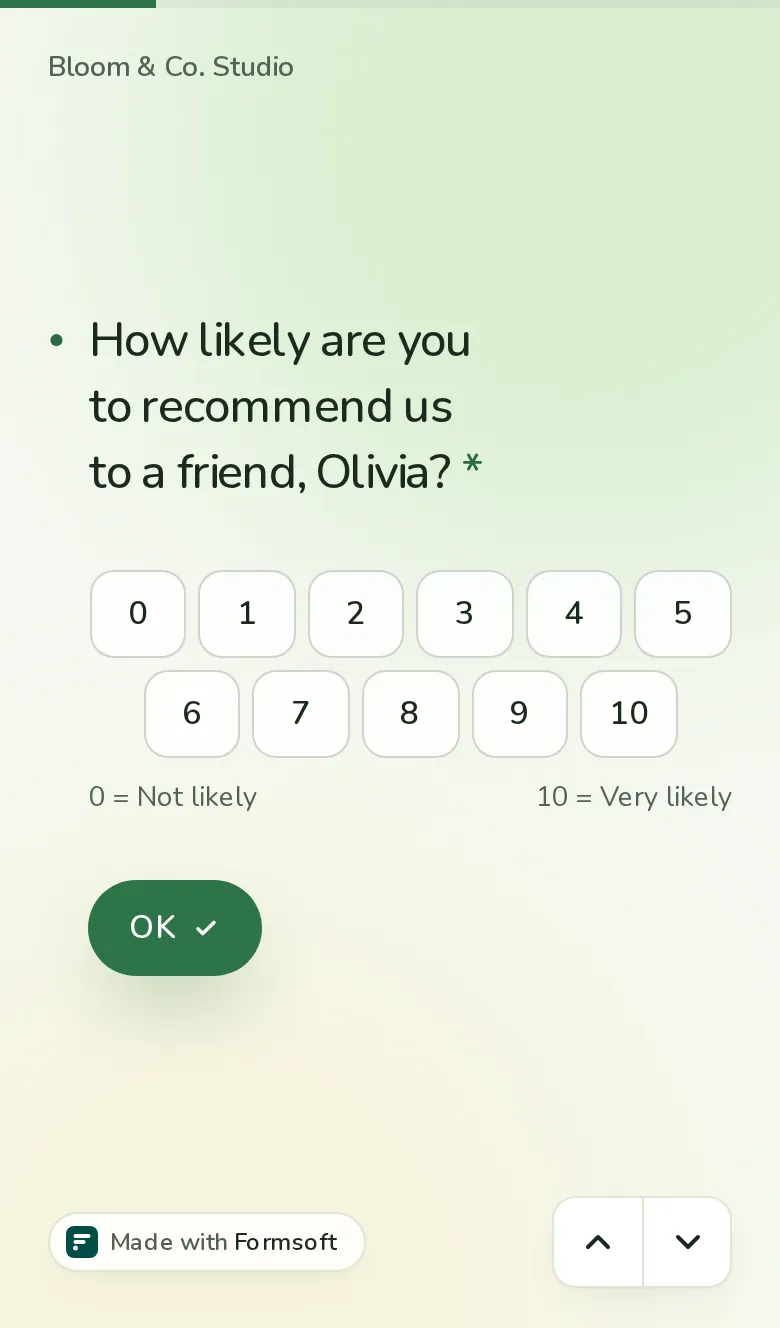
03 · Collect
Responses land in your dashboard under each form, with a quick summary and an email when someone replies.
More on collect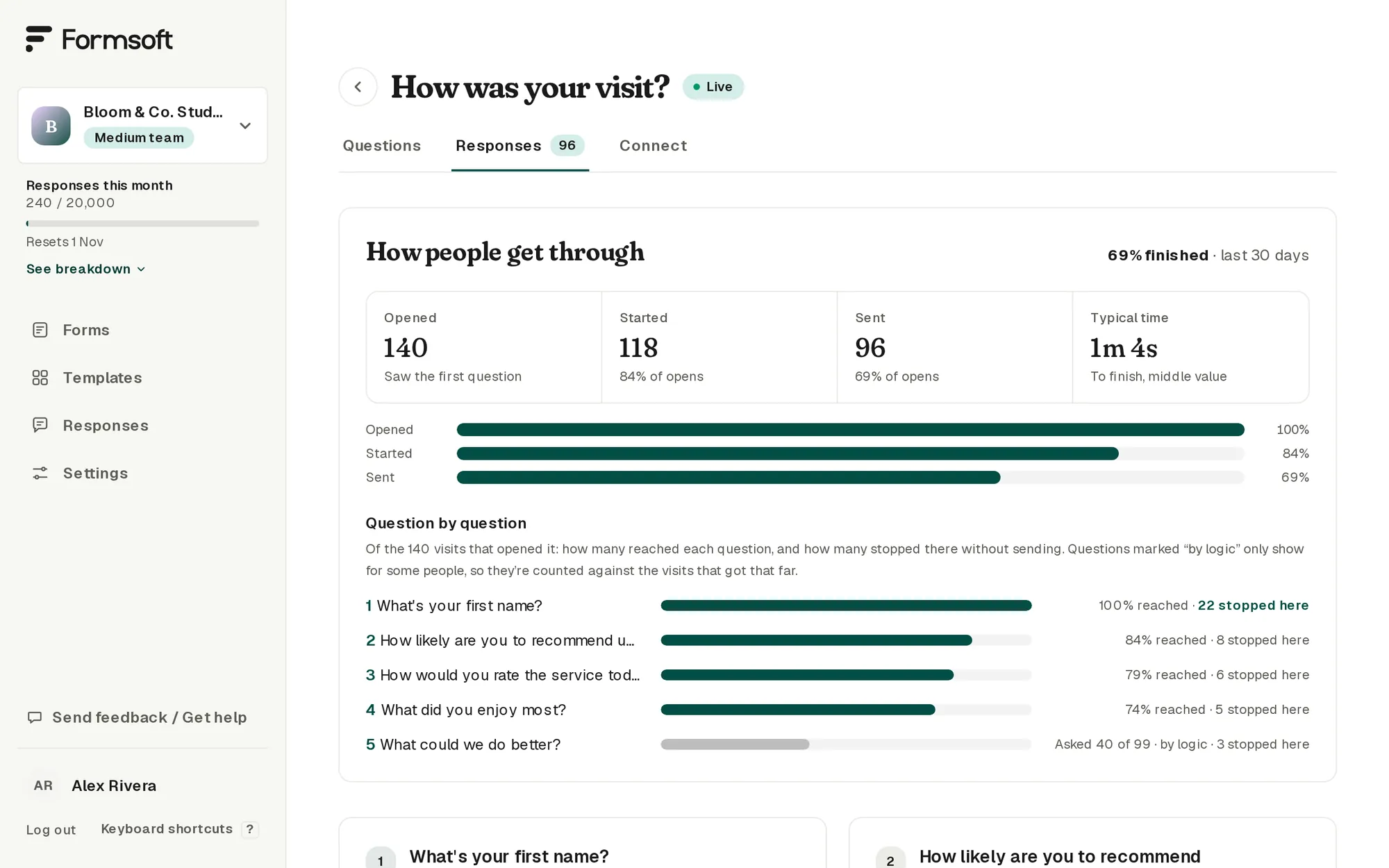
Add questions on the left, edit in the middle and watch the live preview as you go.

Pick a theme, then tune the colours and fonts until it feels like your business. Add your logo on any plan, Free included.

Show a question only when it applies, and skip the rest. A shorter form for them, clearer answers for you.
Most of your customers will open your link on their phone. Formsoft forms have big buttons and clear text, so nobody has to pinch and zoom.
Every response to your Formsoft forms lands in your dashboard, filed under each form. Read, search and tag them in one place, and export to CSV on any plan.
Get an email for every new response, send them to any app with a webhook, or download them as a spreadsheet.
See all integrations


